
Sitejet makes it easy to add a fully featured online store to your website. Using the built-in ecommerce integration, you can create a product catalogue, accept online payments and manage customer orders directly from your Sitejet website.
Step 1 - Log in to Sitejet
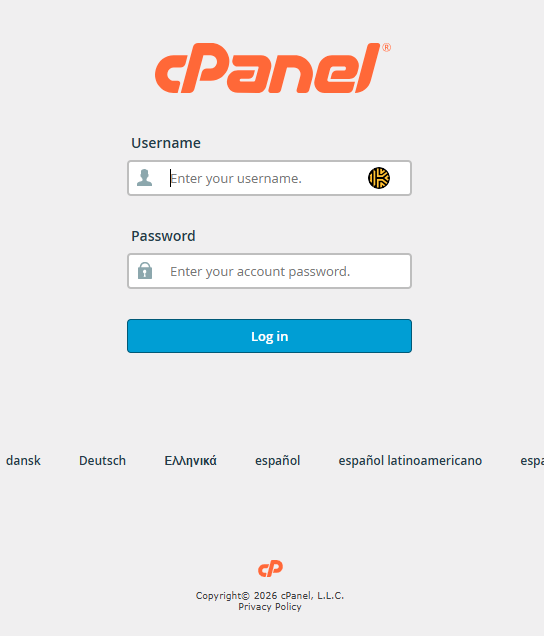
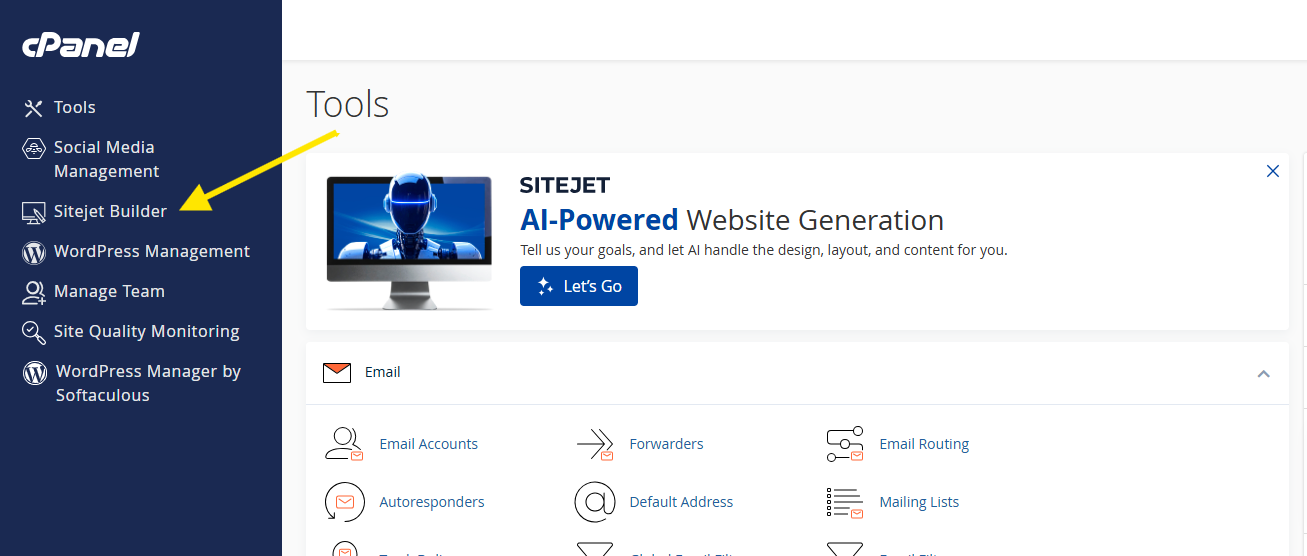
Log in to your cPanel account and launch Sitejet Builder.
Step 2 - Open Your Website
Select the website you would like to add an online store to and open it in the Sitejet editor.
Step 3 - Create Your Store
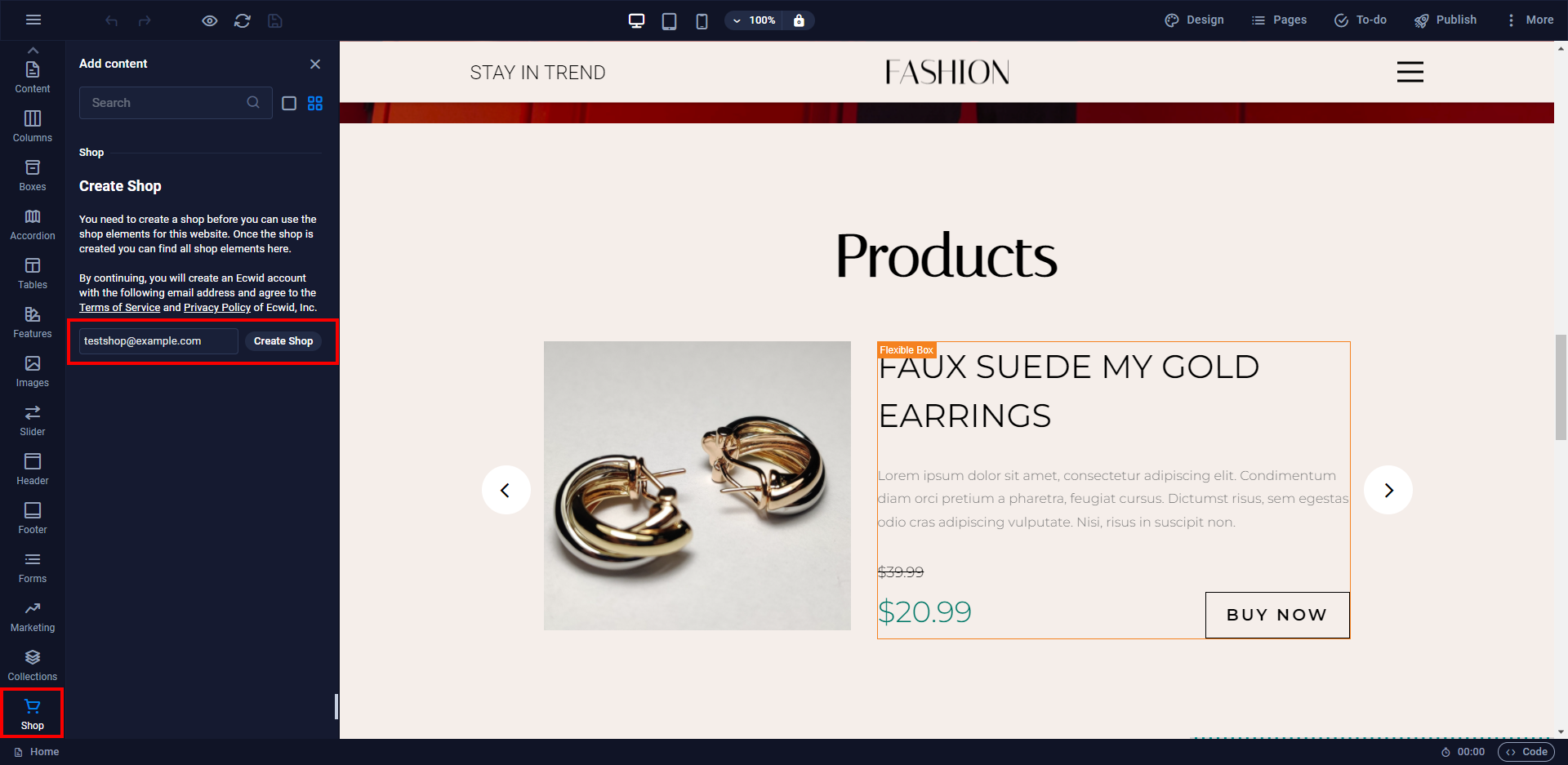
In the Sitejet editor, open the Shop section from the left-hand menu.
Click Create Shop and enter the email address you would like associated with your online store.
Sitejet will automatically create and connect your store.
Step 4 - Add Store Elements
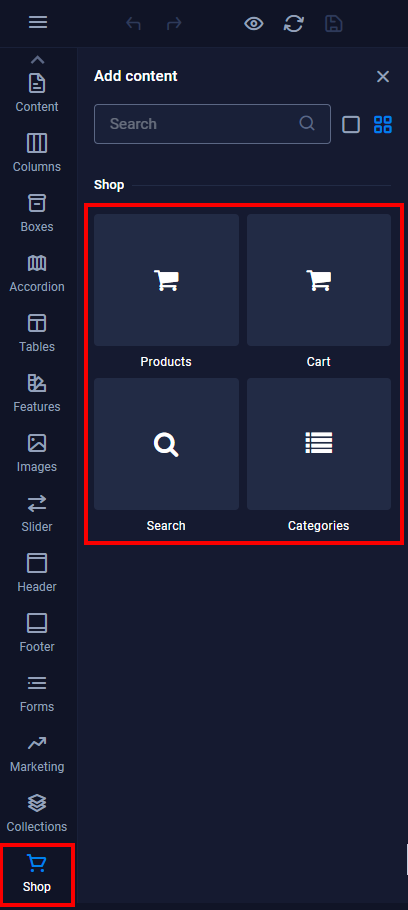
Sitejet provides several store elements that can be added to your website:
- Products
- Categories
- Search
- Shopping Cart
Step 5 - Add a Product Catalogue
Drag a Container element onto your page and then drag the Products element into the container.
This will create the main product catalogue area for your online store.
Step 6 - Open Store Management
Select any store element and click Open Store Control Panel.
This opens the store management dashboard where products, payments, shipping and orders can be managed.
Next Steps
Your online store is now connected to your website.
You can now:
- Add products
- Configure payment methods
- Configure shipping options
- Customise your storefront