
Once your online store has been created, you can begin adding products for customers to browse and purchase.
Step 1 - Open Store Management
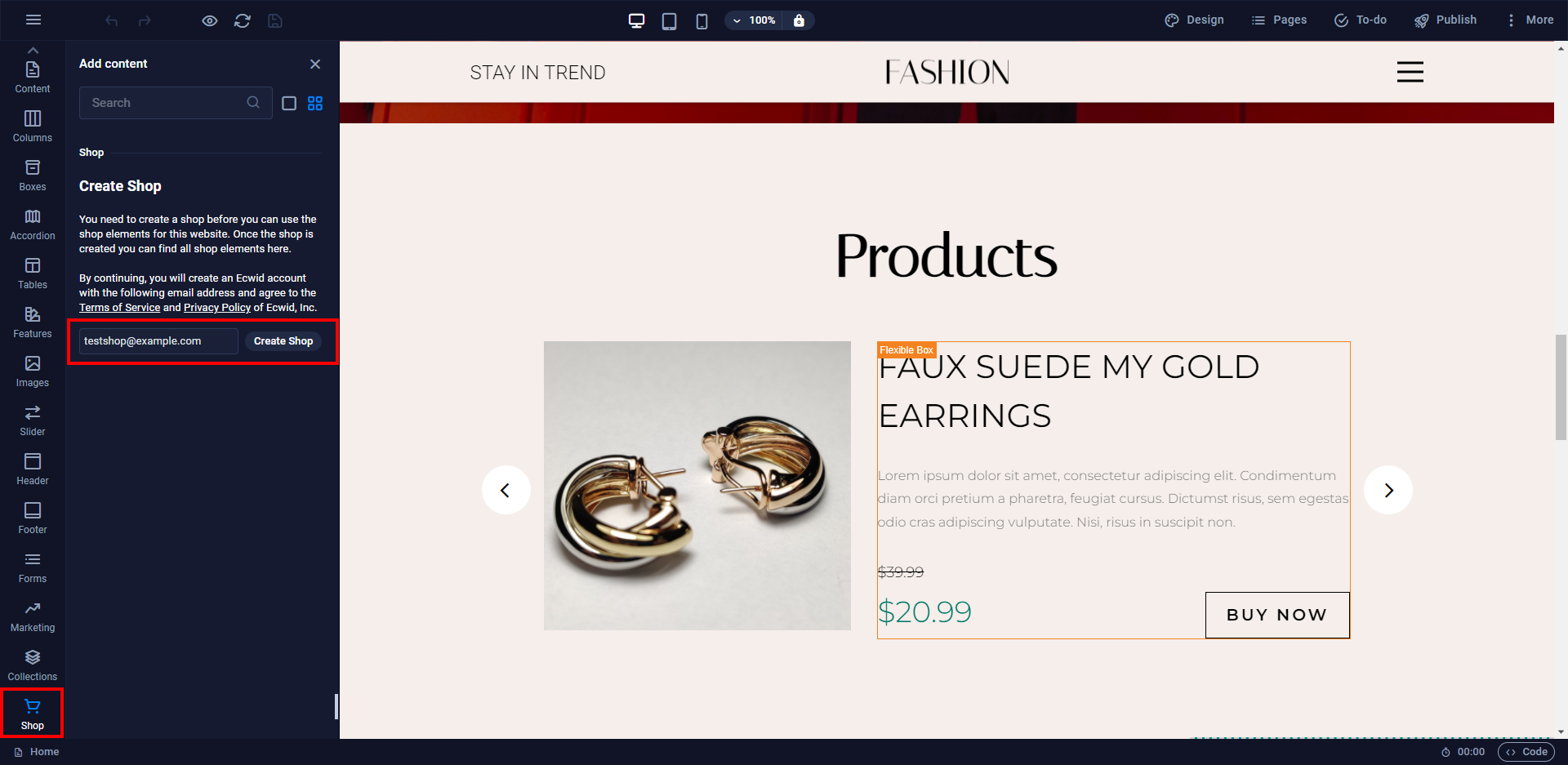
Open Sitejet Builder and select any store element on your page.
Click Open Store Control Panel.
Step 2 - Open the Product Catalogue
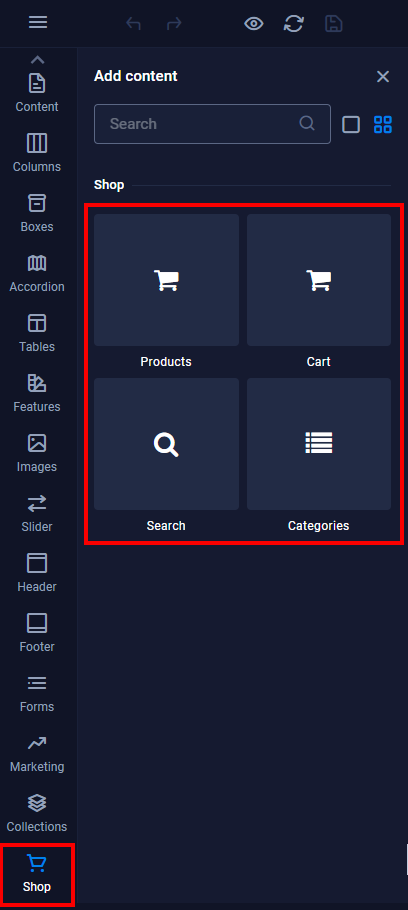
Within the store dashboard, select Catalog from the left-hand menu.
Step 3 - Create a New Product
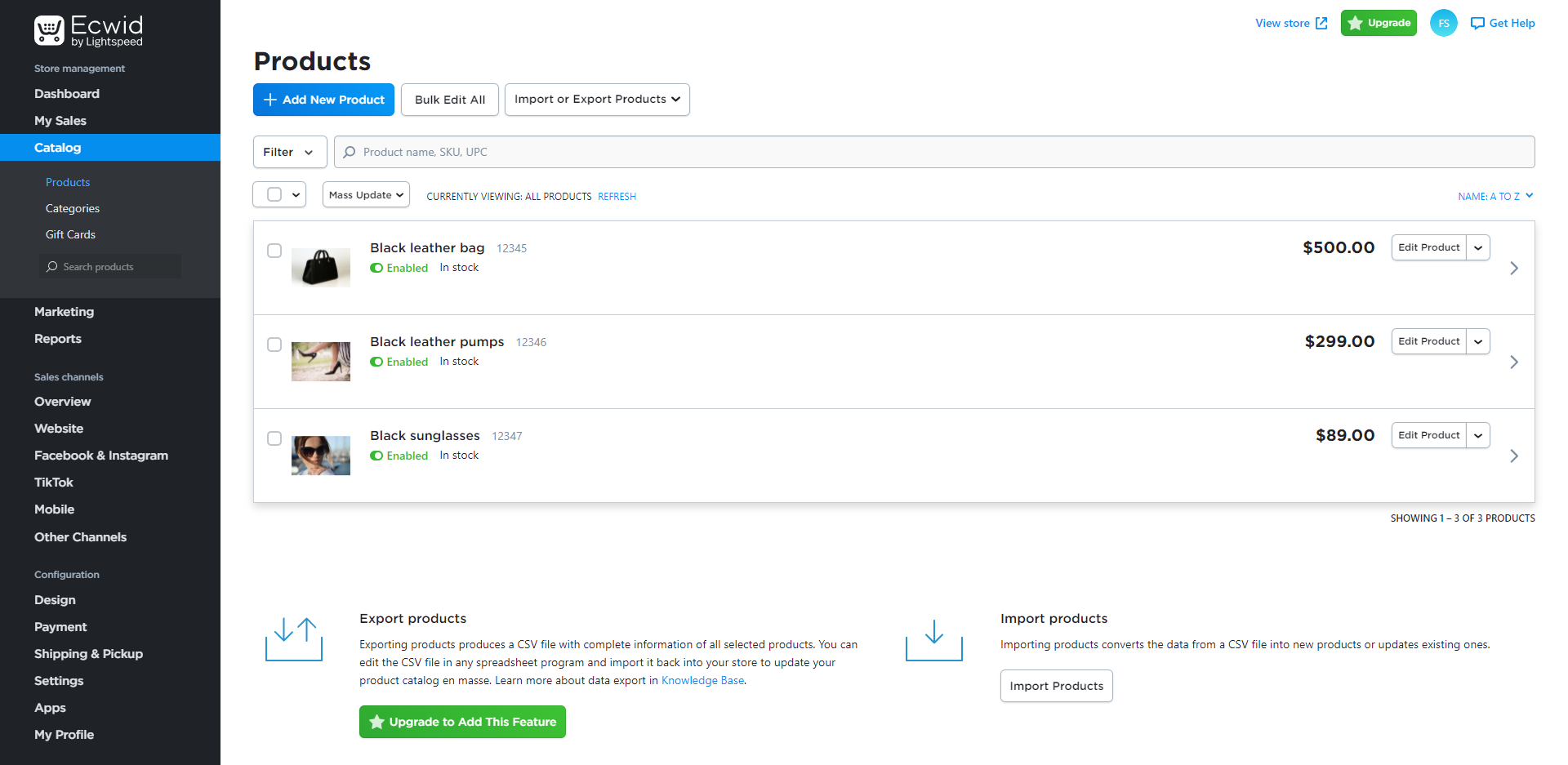
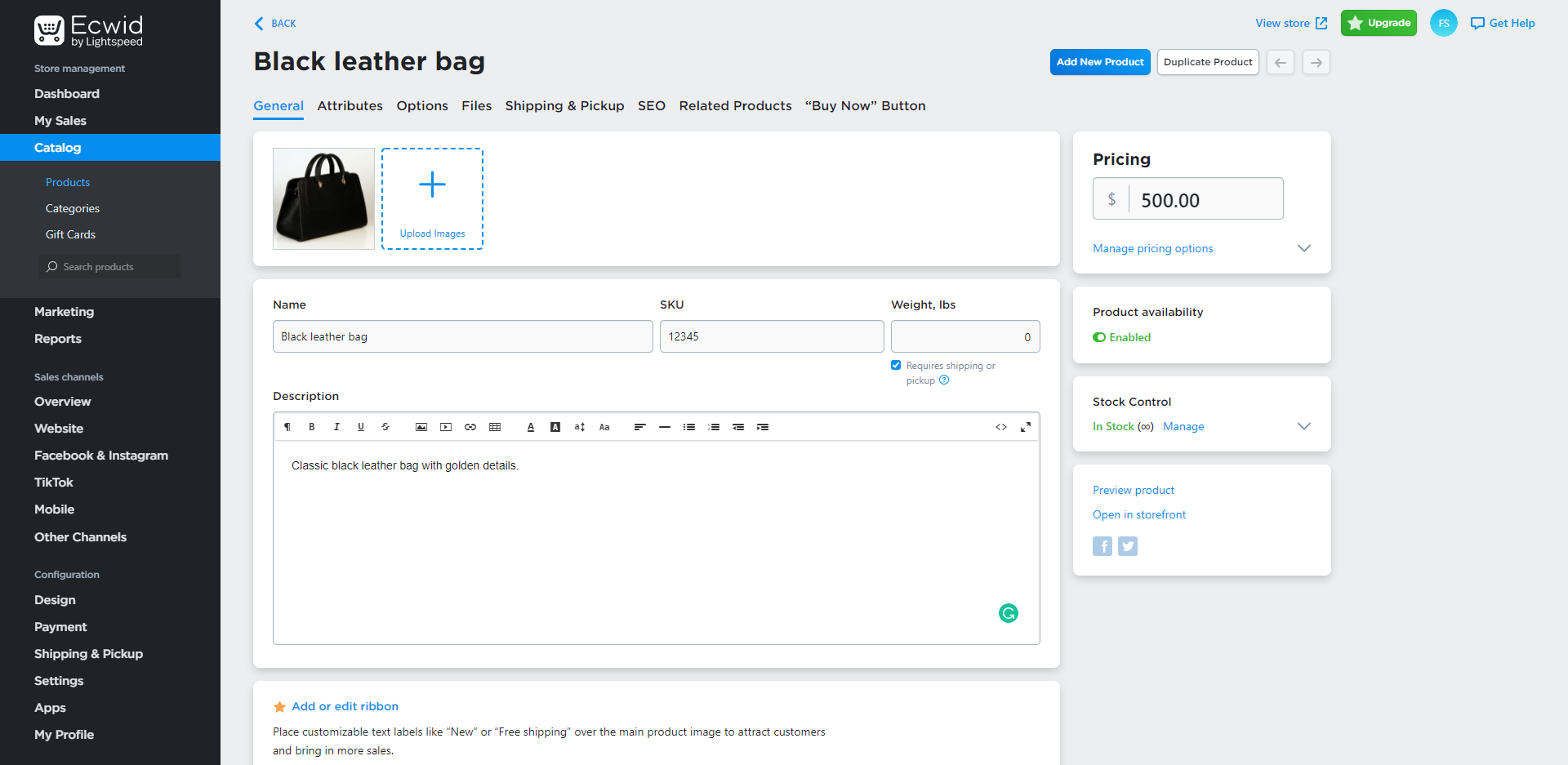
Click Add New Product.
Step 4 - Enter Product Details
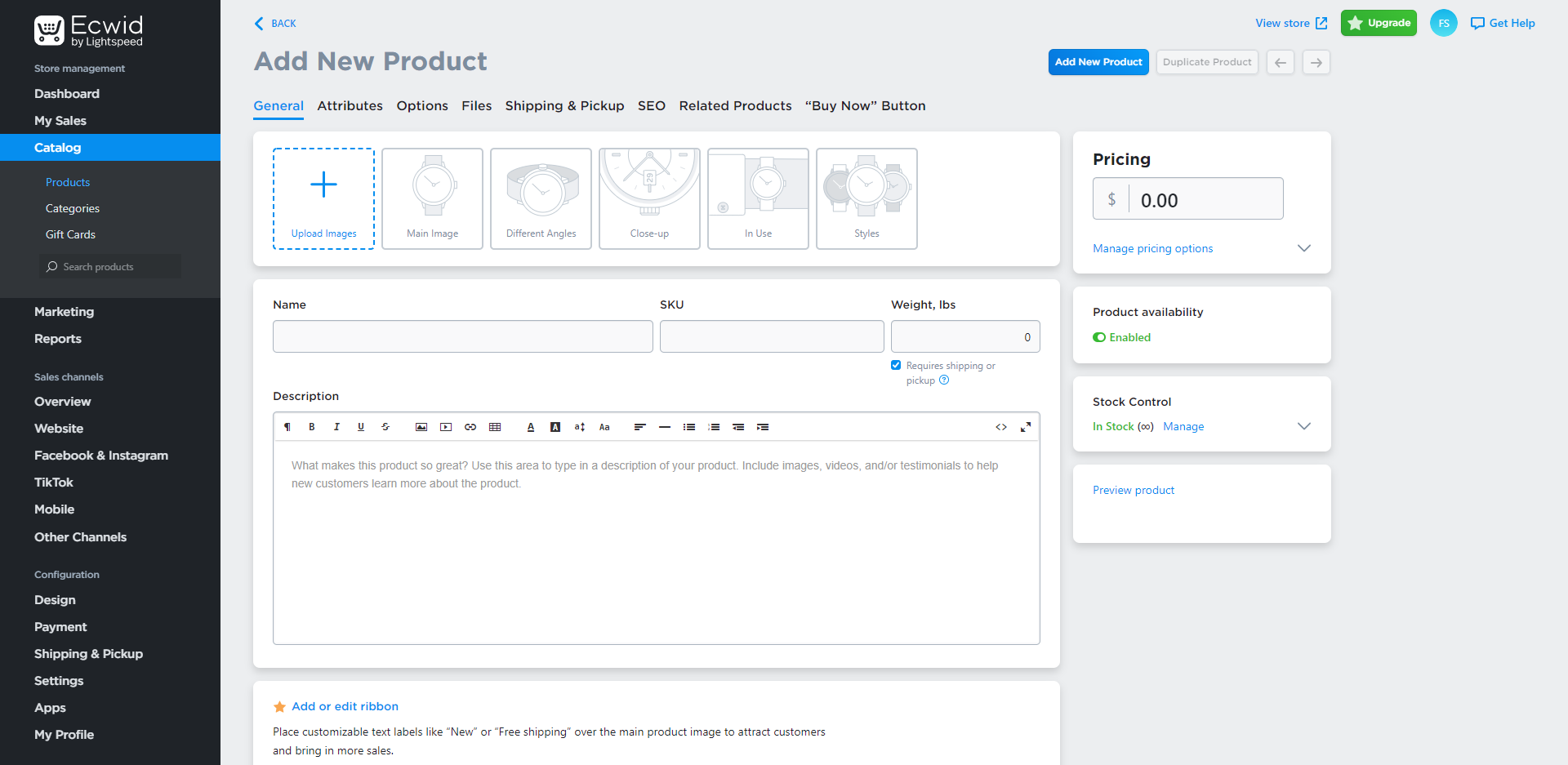
Complete the product information including:
- Product Name
- Description
- Price
- SKU (optional)
- Product Images
Step 5 - Configure Inventory
If required, configure stock control and inventory tracking for the product.
This allows the store to automatically track stock levels as orders are placed.
Step 6 - Save Your Product
Click Save to publish the product.
The product will immediately become available on your website.
Managing Products
You can return to the Catalog section at any time to:
- Add new products
- Edit existing products
- Update pricing
- Manage inventory
- Remove products