
Before customers can place orders, you should configure your store's payment and shipping settings.
Step 1 - Open Store Management
Open Sitejet Builder and launch the Store Control Panel.
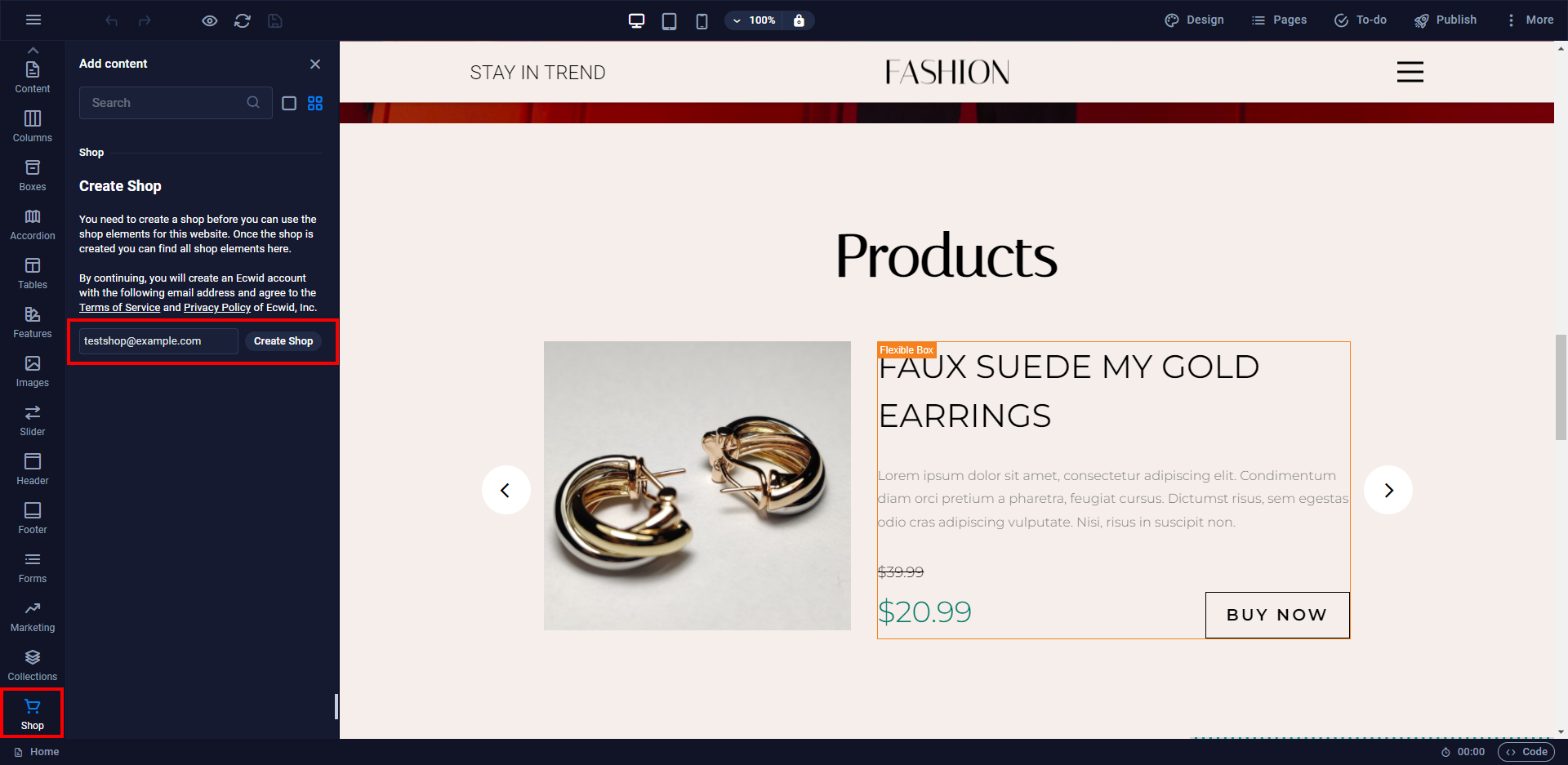
Step 2 - Configure Store Settings
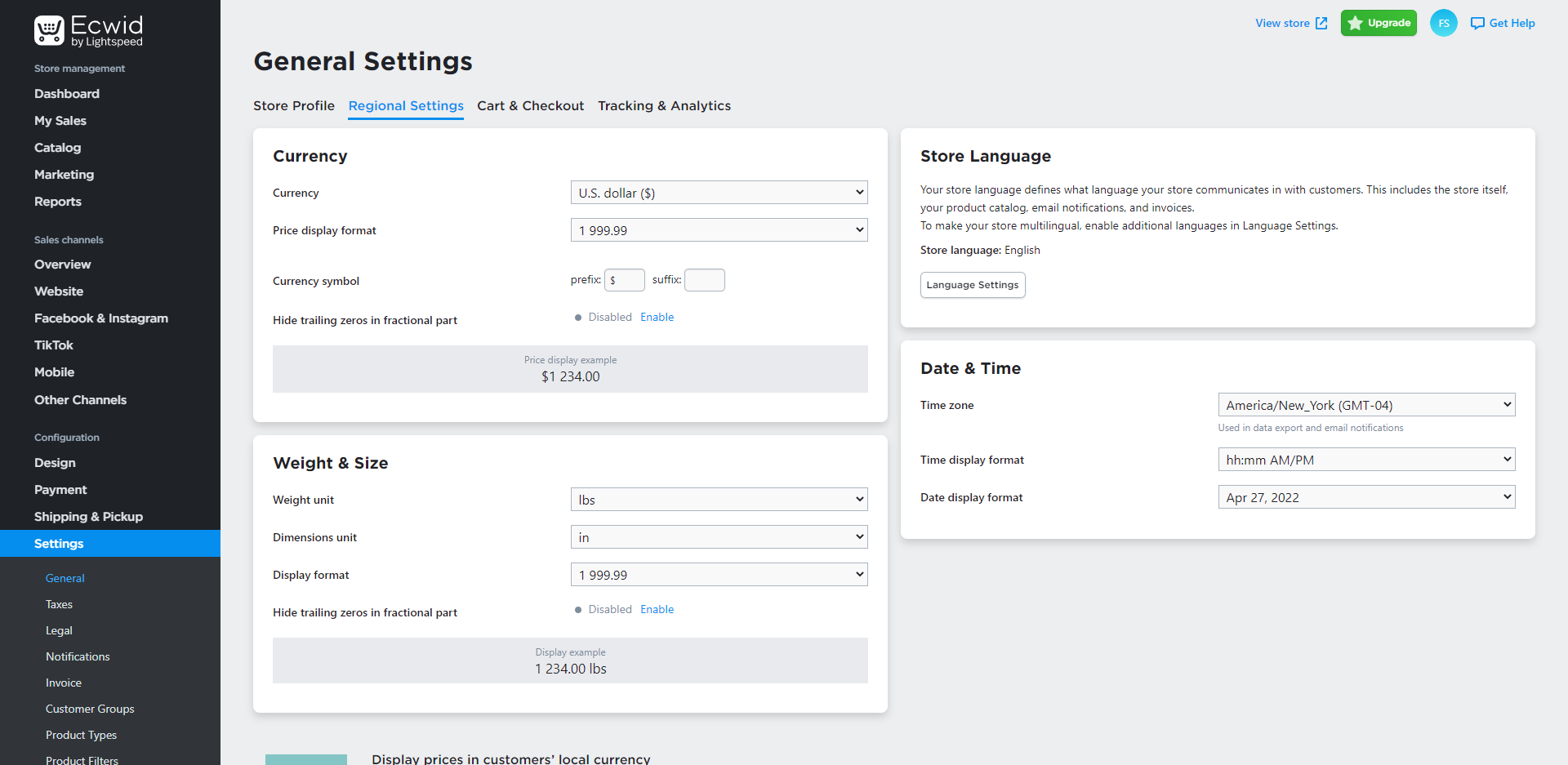
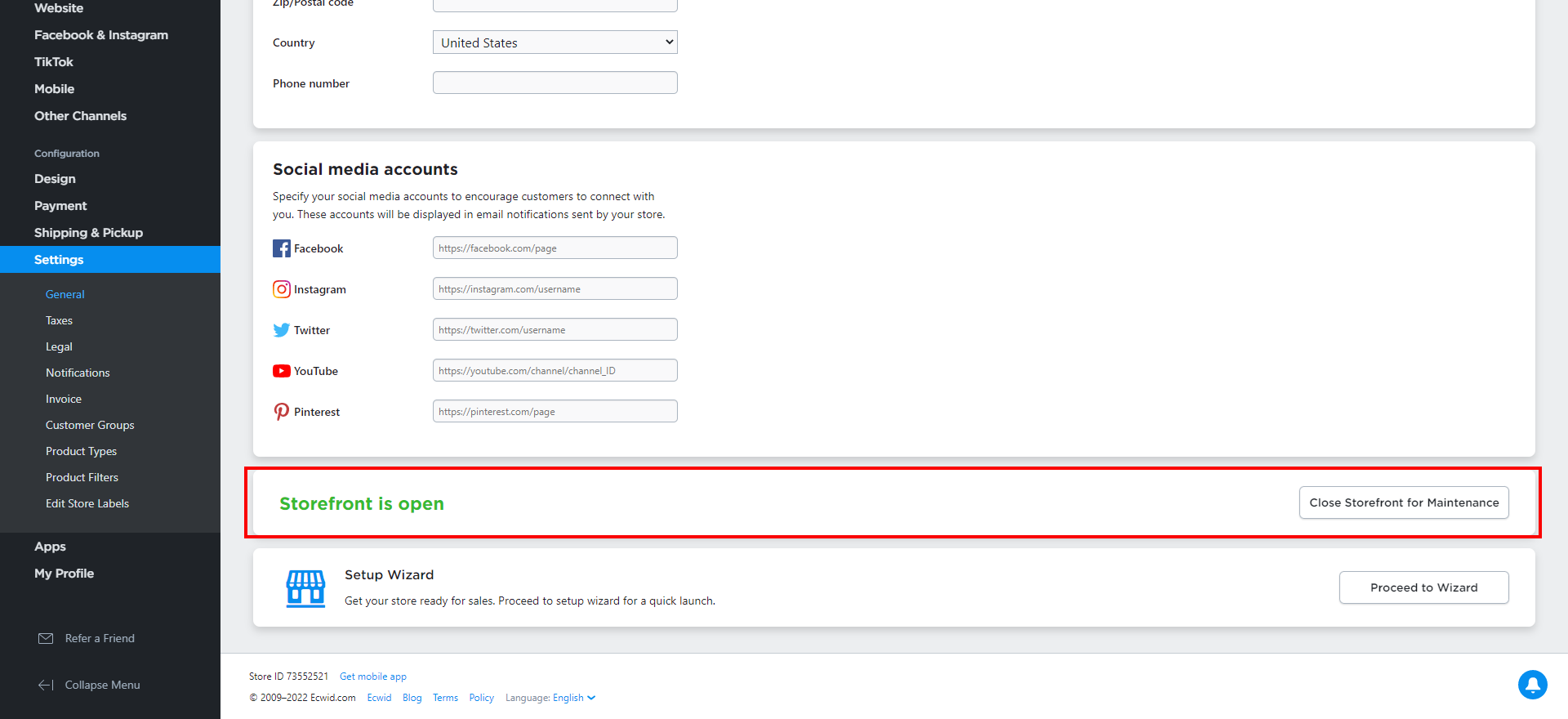
Open Settings within the store dashboard.
Review your:
- Store Name
- Business Details
- Currency
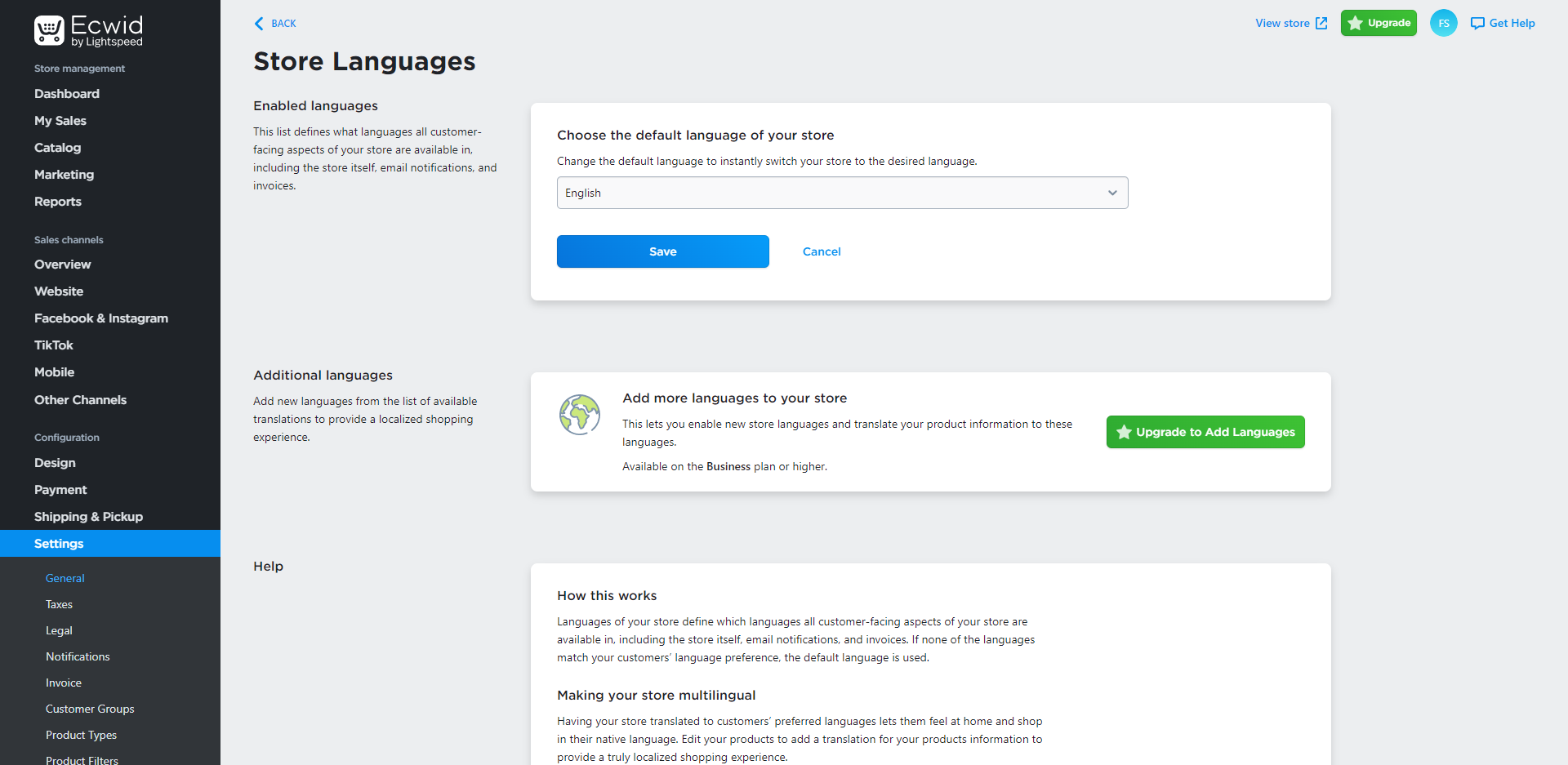
- Regional Settings
Step 3 - Configure Payment Methods
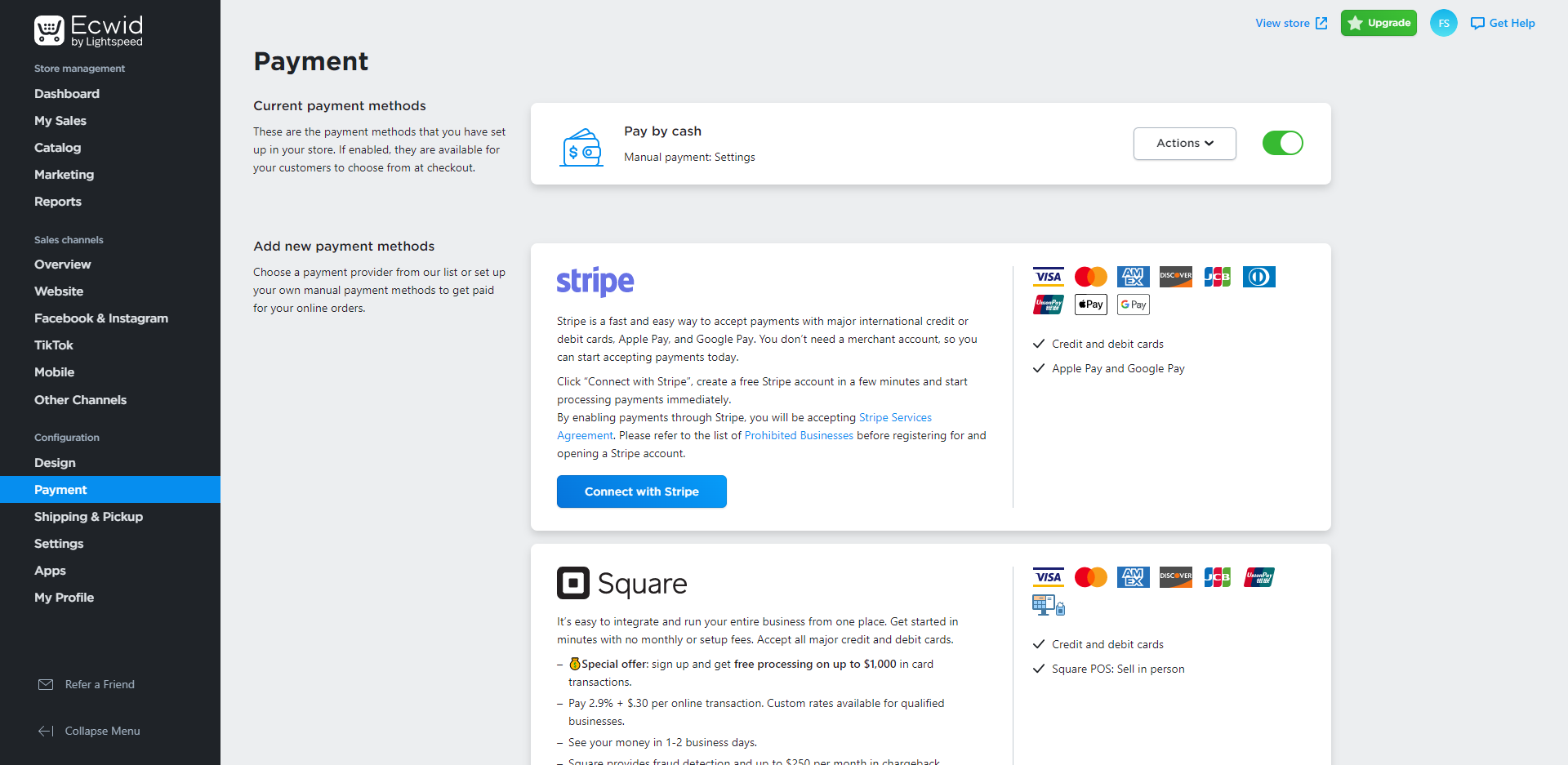
Select the Payment section.
Add and configure your preferred payment providers.
Available payment options may include:
- Credit Card Payments
- PayPal
- Manual Payments
- Bank Transfer
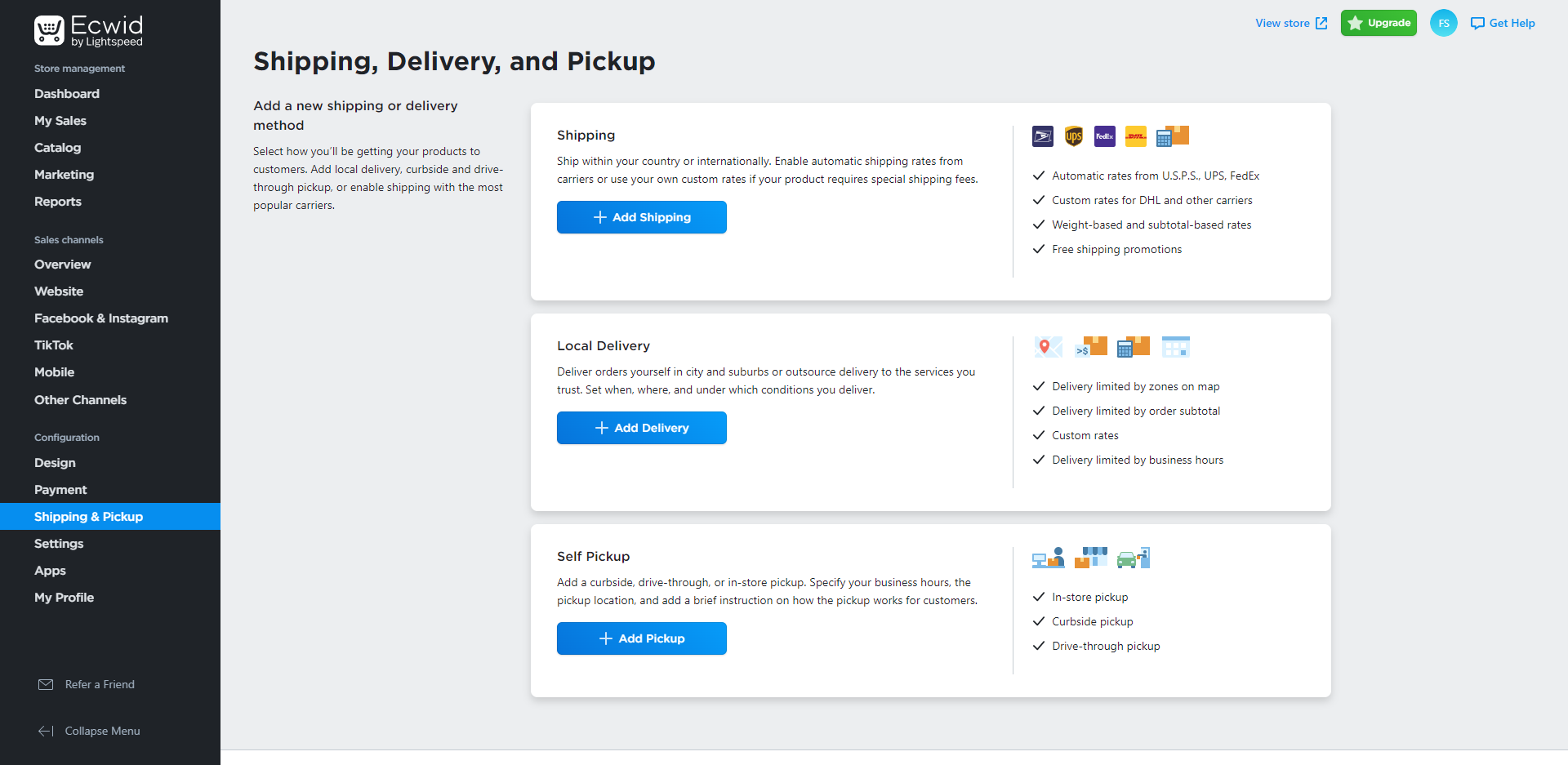
Step 4 - Configure Shipping Options
Select Shipping & Pickup.
Create the shipping methods you would like to offer customers.
You can configure:
- Flat Rate Shipping
- Weight Based Shipping
- Local Pickup
- Free Shipping
Step 5 - Test Your Checkout
Visit your website and perform a test order to ensure payments and shipping calculations are working correctly.
You're Ready to Start Selling
Your Sitejet online store is now configured and ready to accept customer orders.